

Private by design
No account, no analytics, no middle server. Conversations, notes and settings stay on your device; data only leaves it toward the AI provider you chose.


Alpagua is a free and open-source chat app for Linux, macOS, Windows, Android and iOS. One home for Ollama, Anthropic, OpenAI, Mistral, OpenRouter and any OpenAI-compatible server — connected with your keys, straight from your device.
Free software · GNU GPL v3 or later · No account needed
Plugs straight into
A few screens of the app, the same on Linux, macOS, Windows, Android and iOS.
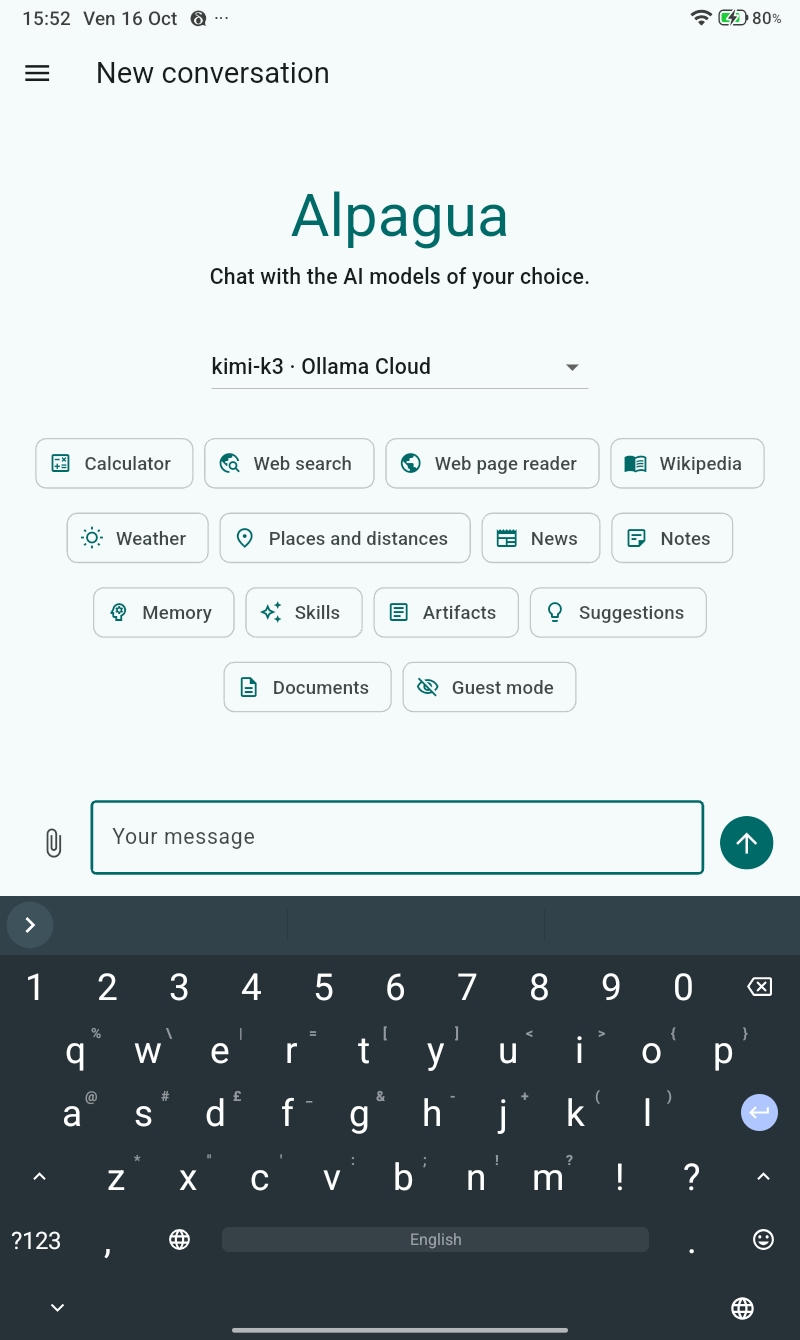
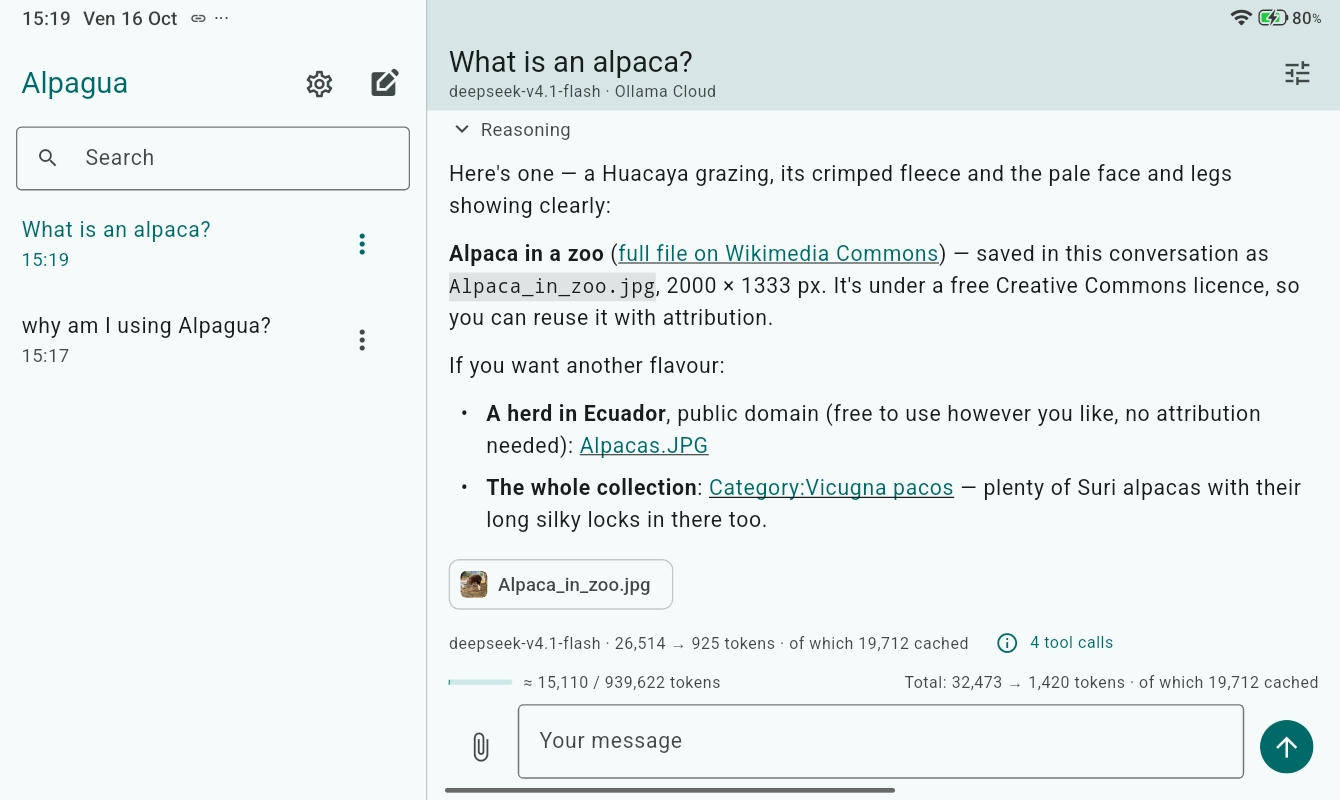
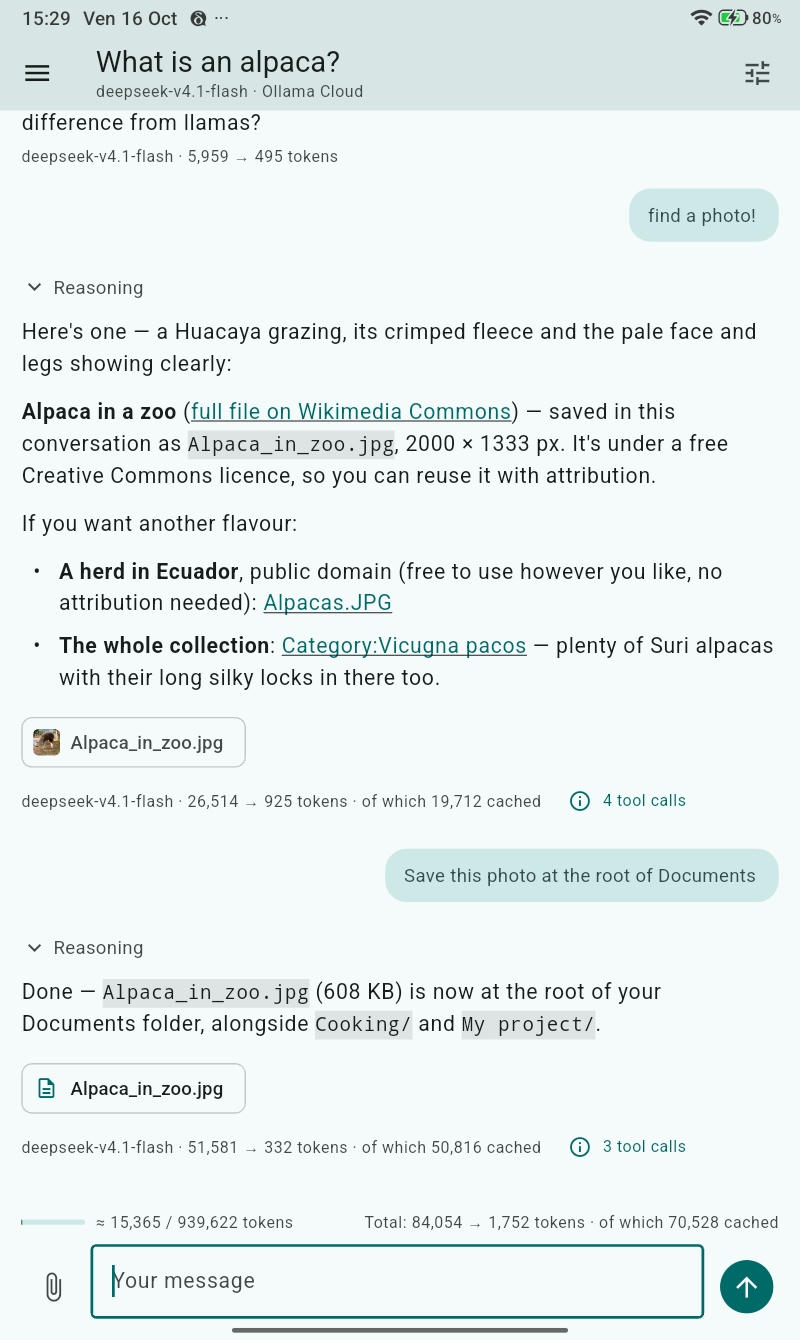
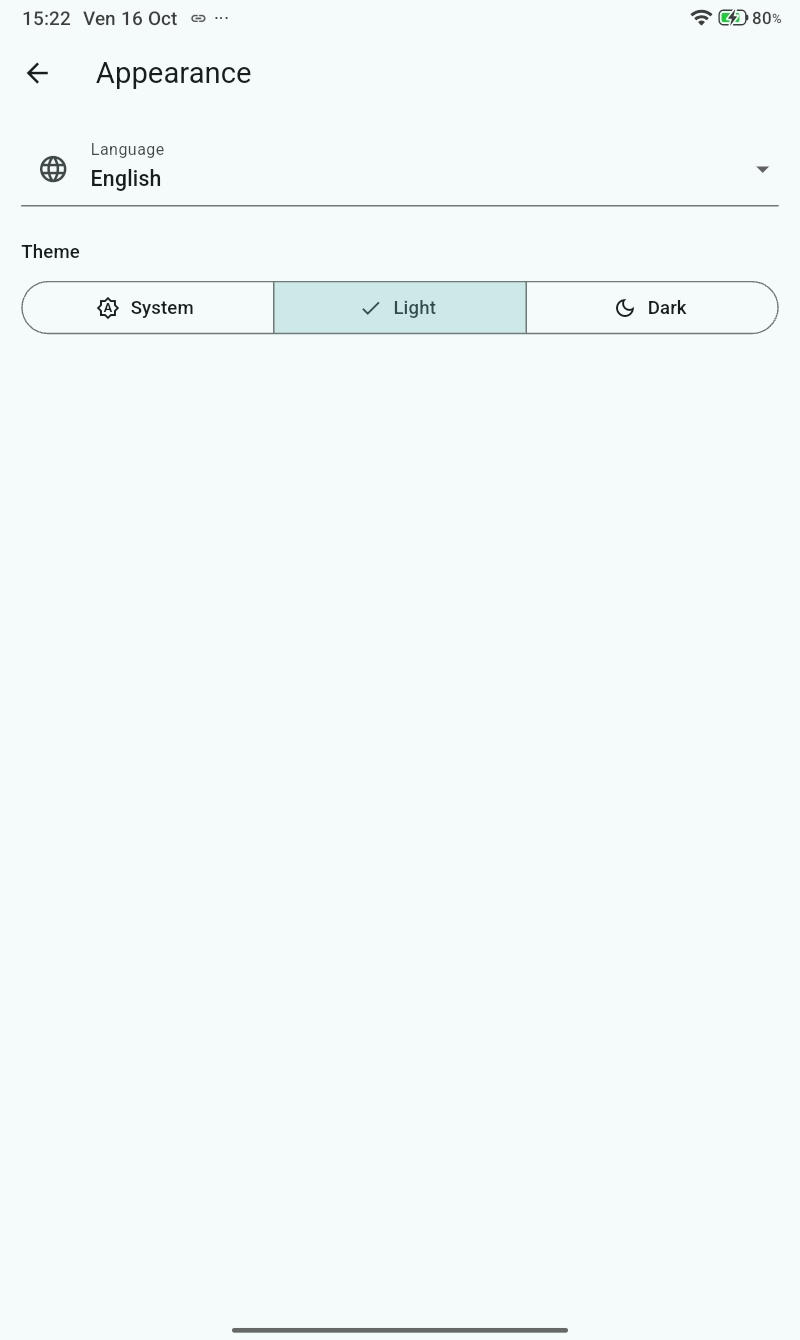
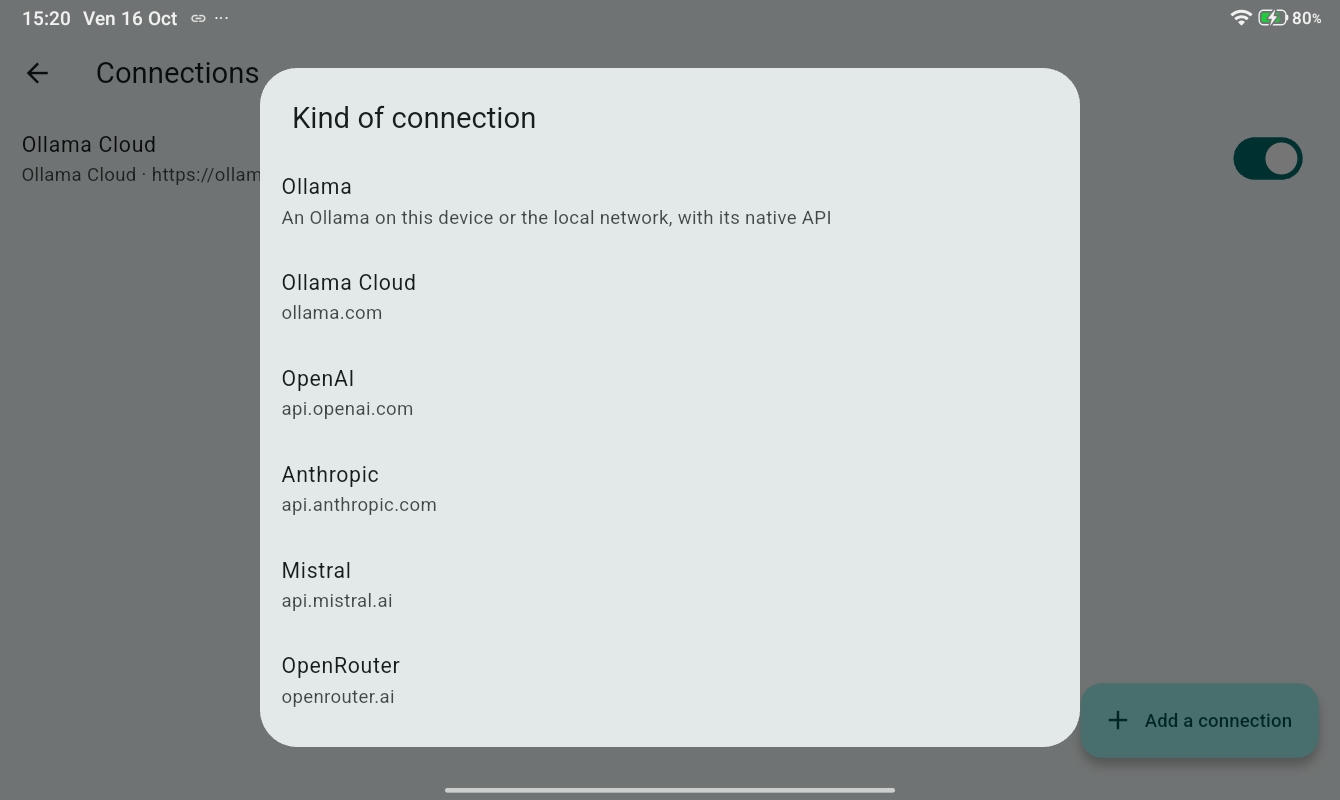
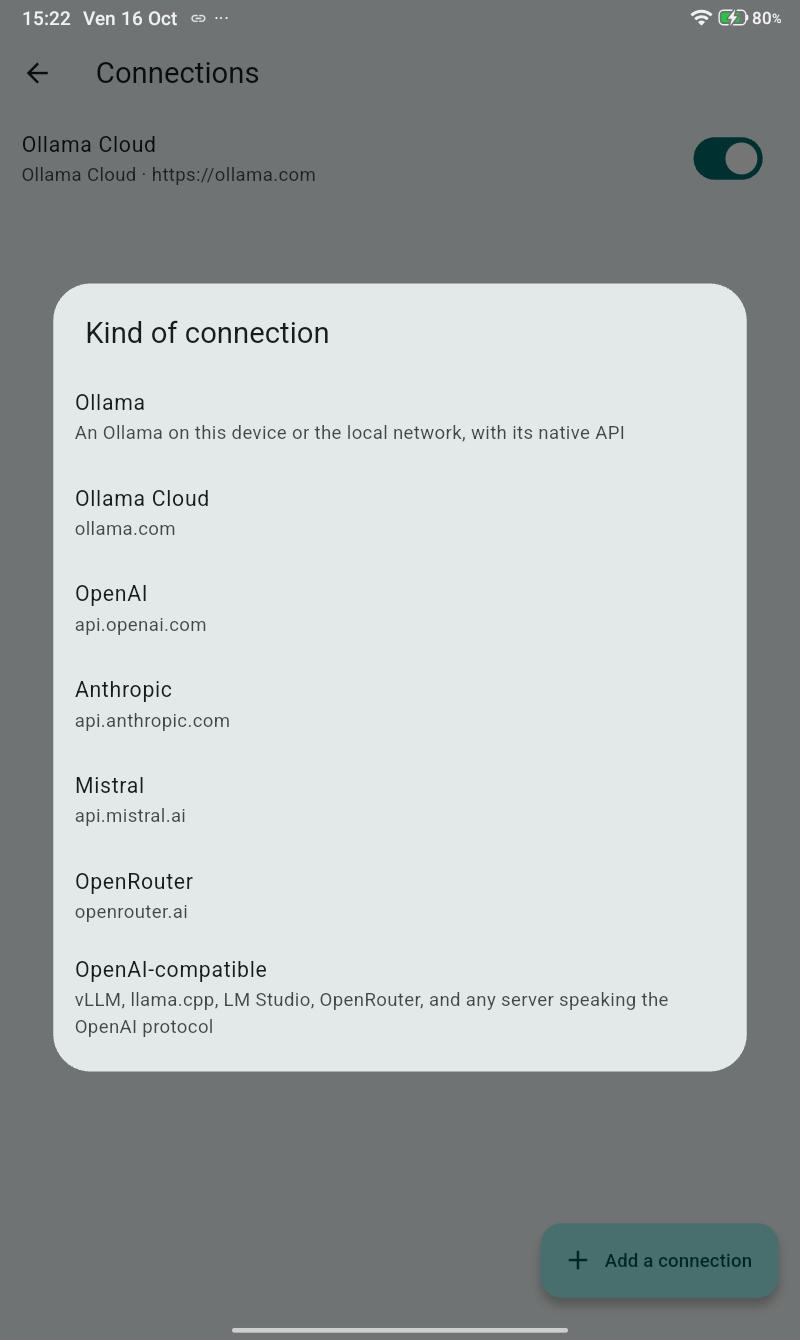
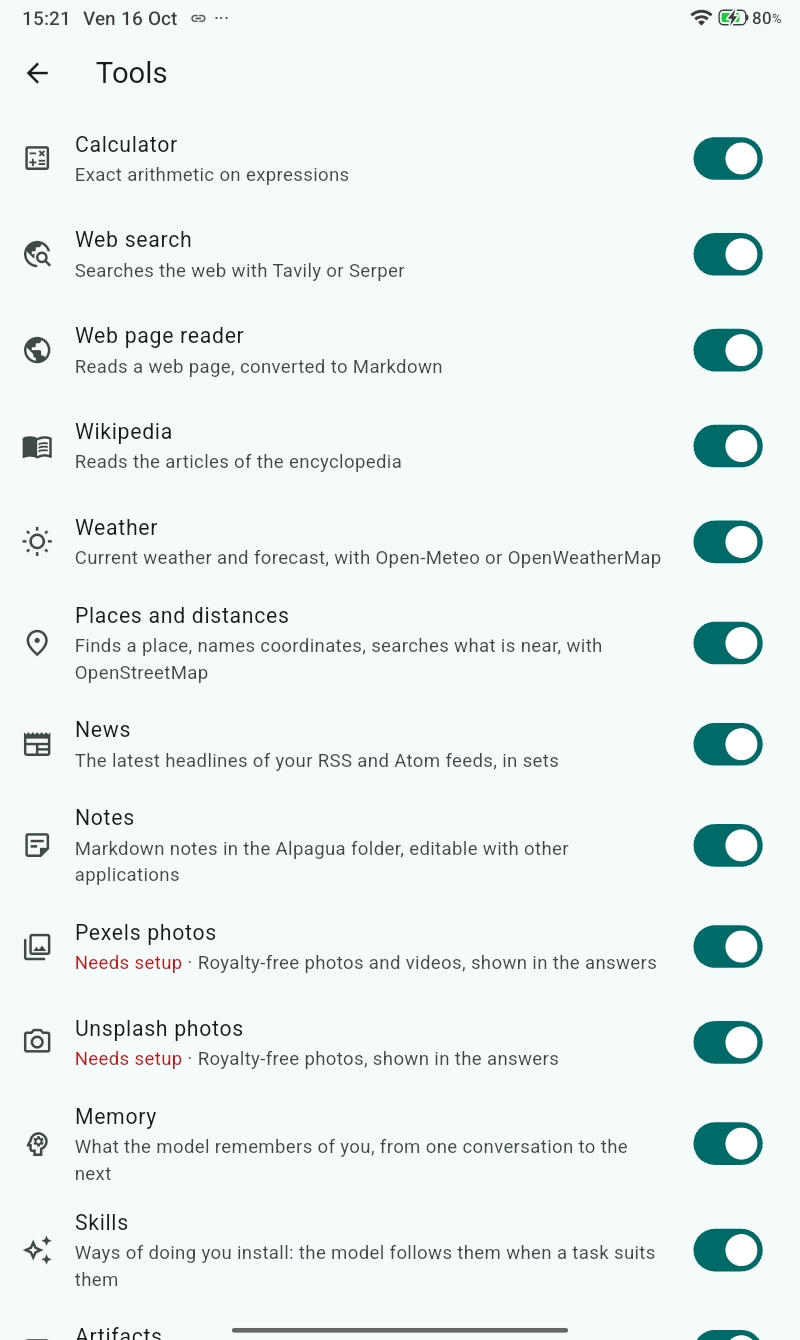
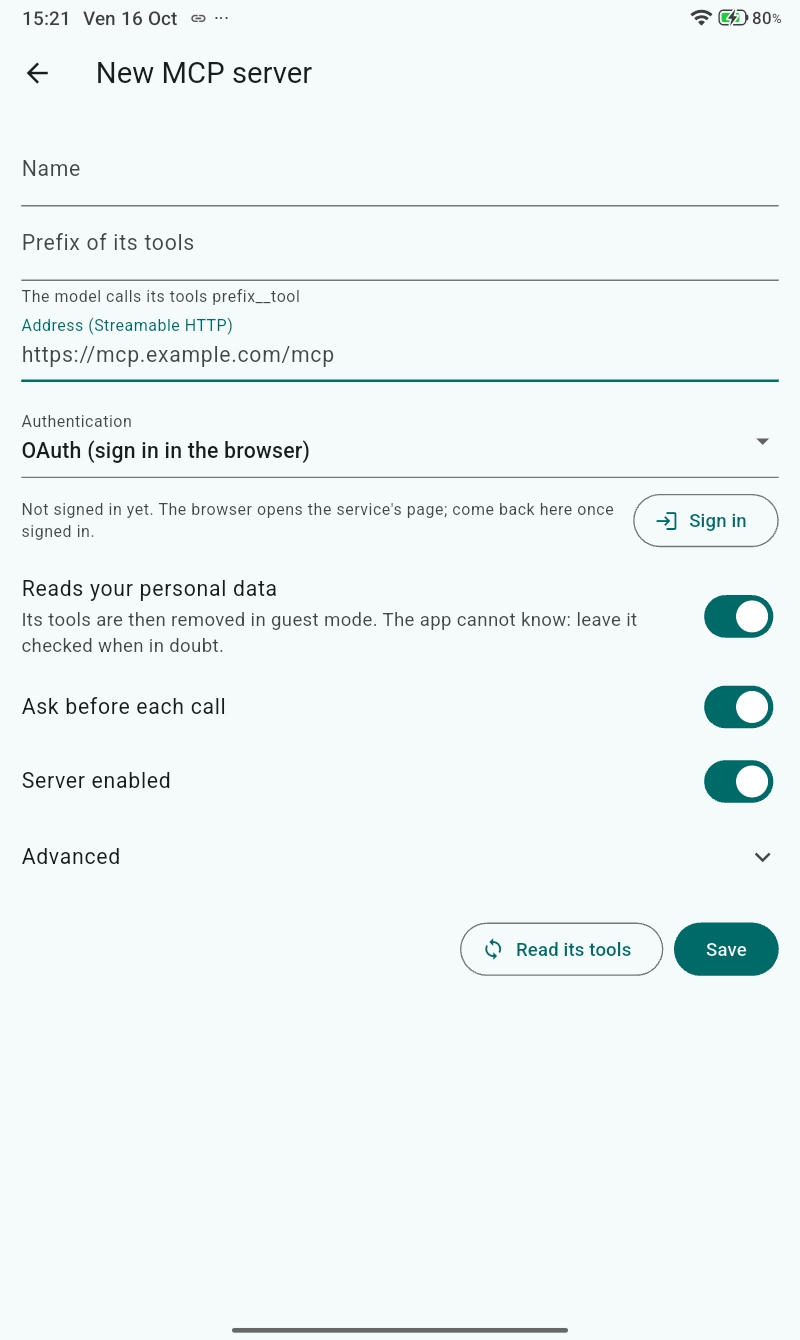
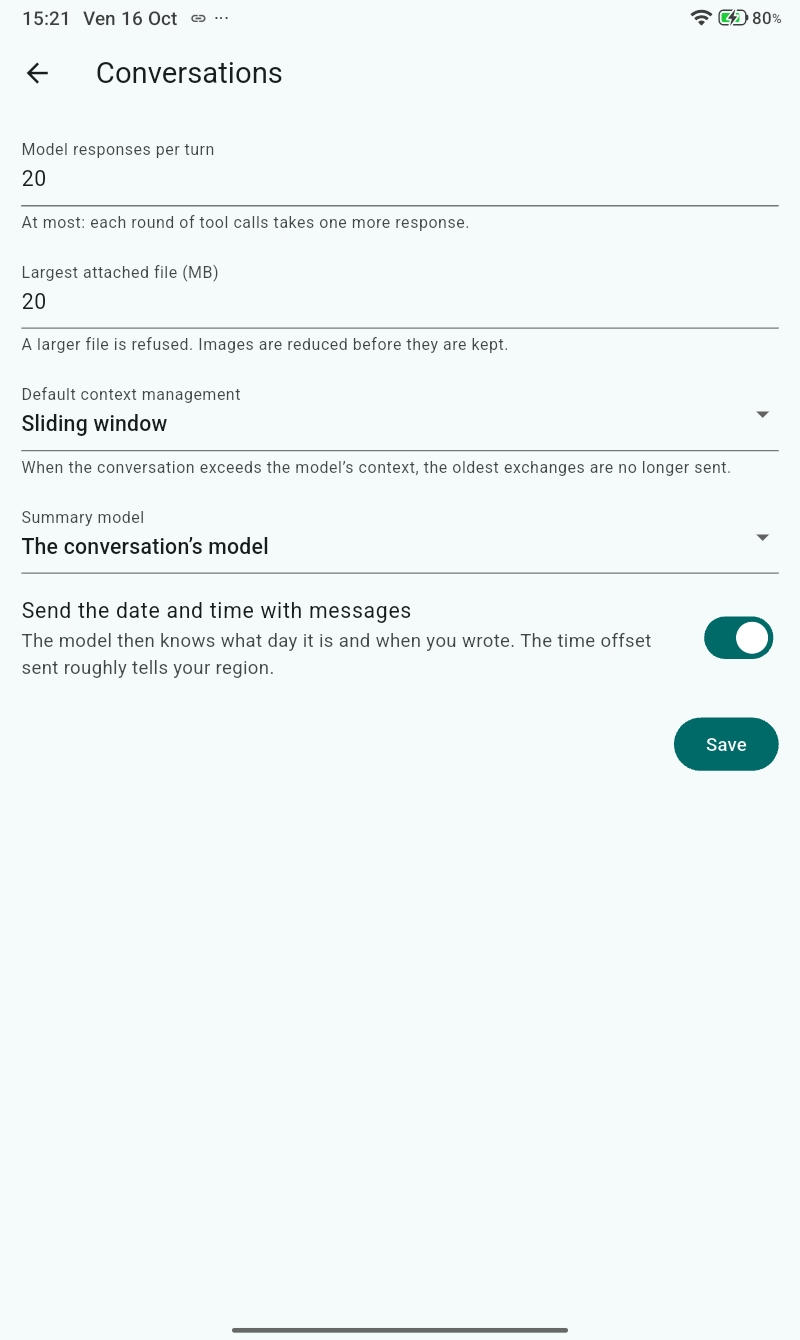
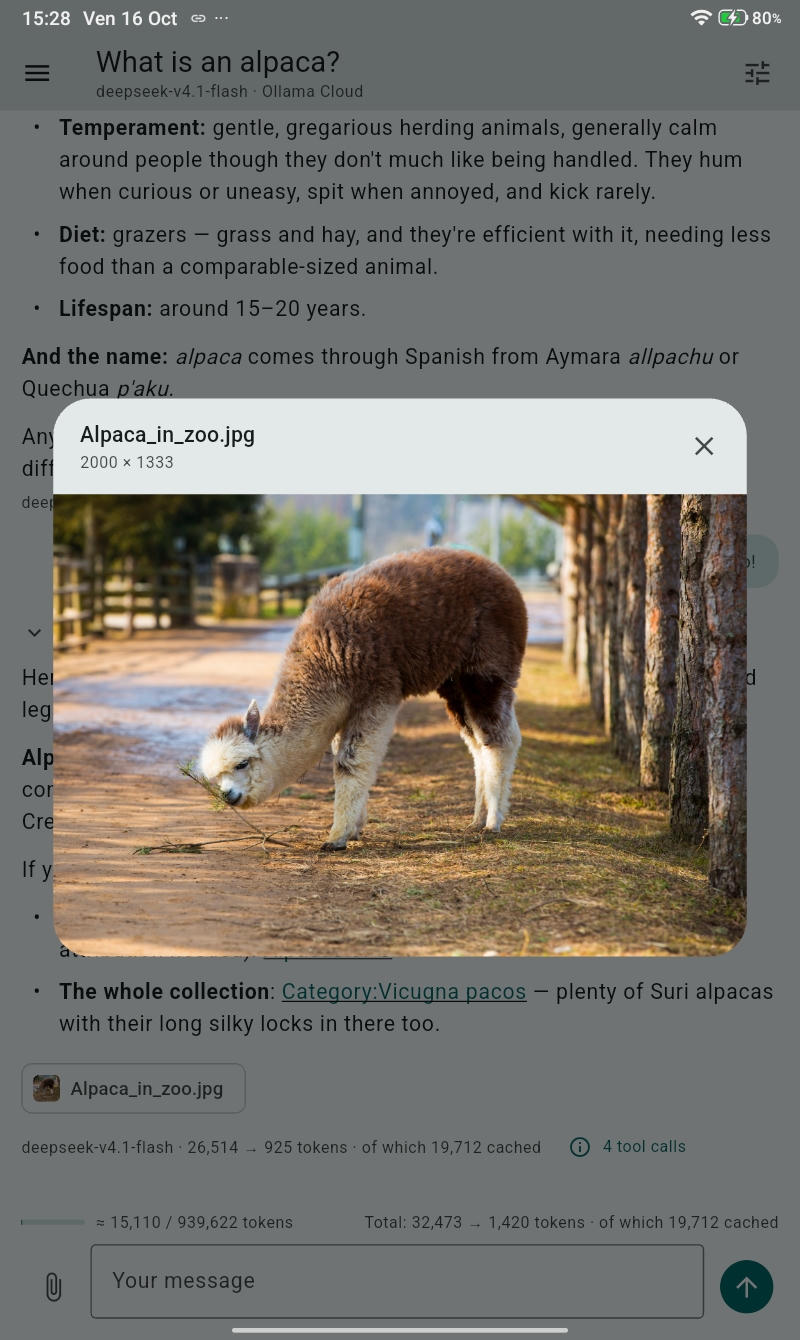
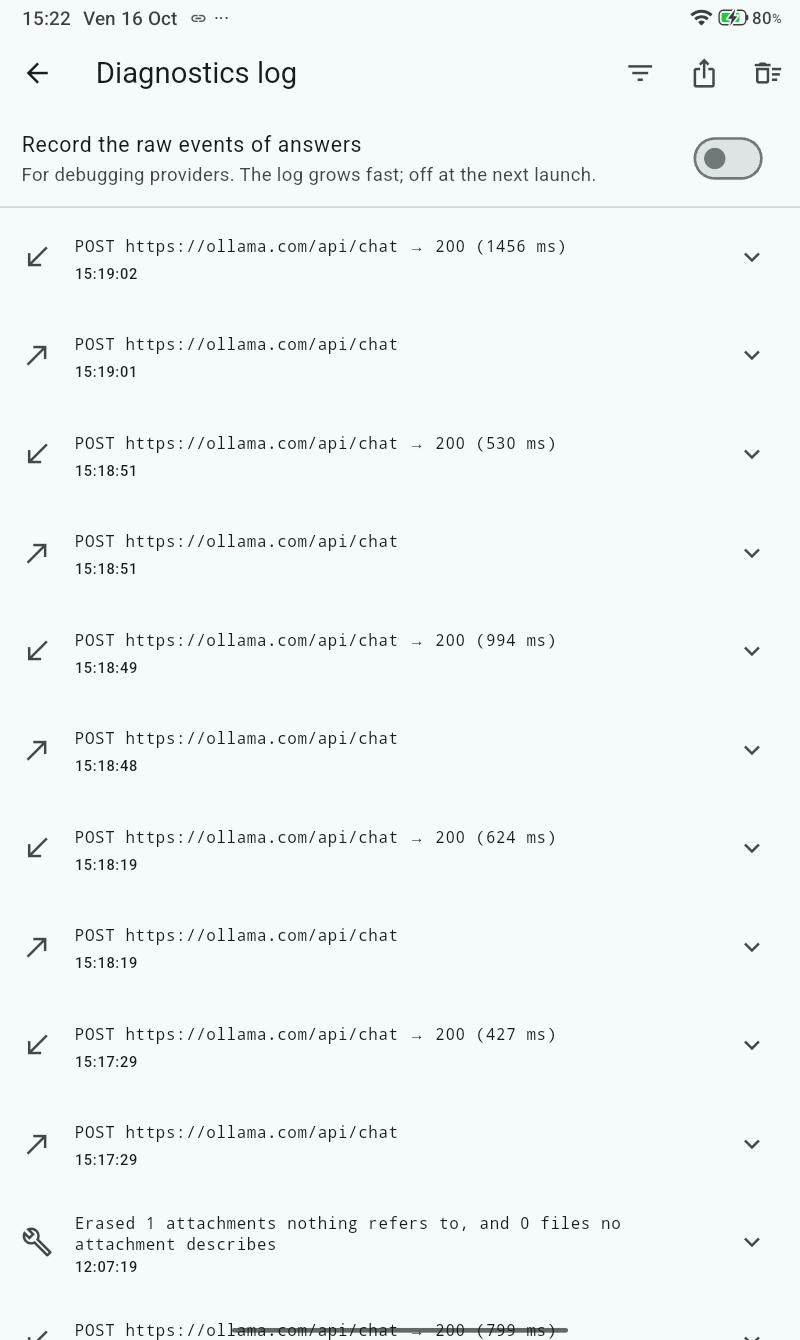
A standalone app: Alpagua has no server of its own. It talks directly to the providers and tools you configure — nothing else.
No account, no analytics, no middle server. Conversations, notes and settings stay on your device; data only leaves it toward the AI provider you chose.
Bring your own API keys for OpenAI, Anthropic, Mistral, OpenRouter or Ollama Cloud. Switch models mid-conversation: history is kept in a provider-independent format.
Attach images, PDFs and text files: images go to the models that see, PDFs whole to the models that read them, as text to the others. Photos lose their location before they are stored.
Let the model search the web, read pages and PDFs, keep notes, remember facts, check the weather or the news and much more — tool by tool, per conversation.
Add your MCP servers — remote over Streamable HTTP, local over stdio — with bearer, basic, digest, header or OAuth 2.1 authentication.
Full-text search through every message and title, accents or not: “ete” finds “été”.
Chatting with someone watching? One tap hides your history and removes every tool that touches personal data. Guest conversations are wiped automatically.
A live context gauge shows how much of the model's window you use, and the conversation cost appears when the provider's prices are known.
An interface in English or French, more languages to come, with a light or dark theme, or your system’s.
Everything is saved as it happens, so an interrupted conversation picks up again. A full archive export/import — encrypted on demand — is your backup.
Alpagua is built around one idea: the only servers involved are the ones you chose yourself.
Alpagua runs entirely on your device. There is no account to create and no Alpagua server: the app talks directly to the LLM providers and tool APIs you configure.
API keys and tokens live in the operating system's secure storage — Keychain, Keystore, libsecret, Credential Manager — never in the database, never in the logs.
With Ollama, the AI itself runs on your machine, or on a PC of your local network: no cloud subscription, no data leaving home, no internet required.
Export everything — conversations, attachments, notes, skills — to an archive, password-encrypted if you like, and restore or merge it on any device.
Alpagua is released under the GNU GPL v3 or later. Read it, audit it, fork it: the source is on Codeberg.
Fifteen built-in tools, each with its own settings. You enable them per conversation; the model calls them when they help — and every call is listed with its arguments and its result.
Fresh results with dates and excerpts, through Tavily or Serper — you pick the service, you hold the key.
Turns any web page or PDF into clean text, and can keep the file right in the conversation.
Whole articles with their sections, in any language edition.
Current conditions and forecasts worldwide, key-free with Open-Meteo or via OpenWeatherMap.
Your RSS and Atom feeds, organized in sets and read on demand — never in the background.
Exact arithmetic, down to the cent: a 200,000 loan at 3.6% over 20 years costs 1,170.22 a month.
Find places, distances and opening hours with OpenStreetMap, with links to the map.
Royalty-free photos and videos from Pexels and Unsplash, shown and credited in the chat.
Plain Markdown files in your Alpagua folder — edit them with any other app, they're just files.
Facts the model remembers between conversations. View, pin, edit or delete them — they stay yours.
Reusable instruction packs — a procedure, a style, domain knowledge — that the model loads when a task needs one.
A folder you and the model share: read, search, sort, convert and organize your files together.
Long documents — plans, drafts, code — co-written with the model in a side panel, with version history.
The model proposes your next message itself, as one-tap buttons above the input.
Plus every tool of every MCP server you approve — see below.
Alpagua is a native Model Context Protocol client. Add the servers you already use — your company's, your self-hosted ones — and their tools appear right beside the built-in ones.
Every MCP tool is reviewed one by one — its description and schema are shown before it ever reaches the model.
Yes — free of charge and free software, released under the GNU GPL v3 or later. You only ever pay, if applicable, the AI providers you chose to connect to, under your own accounts and API keys.
No. Alpagua has no account system and no server of its own. Install it, add a provider — or run Ollama locally — and start chatting.
No: Alpagua talks to the OpenAI and Anthropic APIs, which are billed apart from the ChatGPT and Claude subscriptions. Create an API key on the provider's developer platform, add credits, and pay only for what you use.
On your device: conversations in a local SQLite database, notes and documents as plain files in your Alpagua folder, secrets in the OS secure storage. Export it all to an archive whenever you want — nothing is sent anywhere you didn't ask for.
Yes: connect Alpagua to Ollama on the same machine (or on another computer of your network) and chat with local models with no internet at all. The calculator, notes, documents and other local tools keep working too.
On Codeberg, at codeberg.org/jpfox/alpagua, under the GNU GPL v3 or later. For anything else, write to dev@alpagua.com.
Version 0.1.2. Pick your platform:
.deb · Ubuntu, Mint
Available DownloadSHA-256: .deb
How to installSHA-256: .tar.gz
How to installSHA-256: .dmg
How to installSHA-256: .zip
How to installTestFlight iPhone/iPad
Beta How to installAlpagua for iPhone and iPad is in beta on TestFlight, Apple's app for testing apps before the App Store. To get an invitation, send your first name, last name and email address to dev@alpagua.com.
They are only used to invite you: Apple's TestFlight sends the invitation. You need iOS 17 or later, and the TestFlight app from the App Store.
Free software — GNU GPL v3 or later · Source: codeberg.org/jpfox/alpagua · Questions: dev@alpagua.com